Google Play Store PC
Google Play is Google's digital distribution platform. On Windows, Google offers Play content through the browser and Google Play Games on PC.
52.9 MB

4.9.1902.0 · Samsung · Page updated
Samsung Flow is a free Samsung app that links a Galaxy phone or tablet with a Windows PC for file sharing, notifications and screen mirroring.
Average 0.0 · ratings: 0
Thank you! Your rating is saved; you can change it. Could not save the rating. Please try again later. Too many ratings from your network today. Please try again tomorrow. The average appears after 5 ratings.
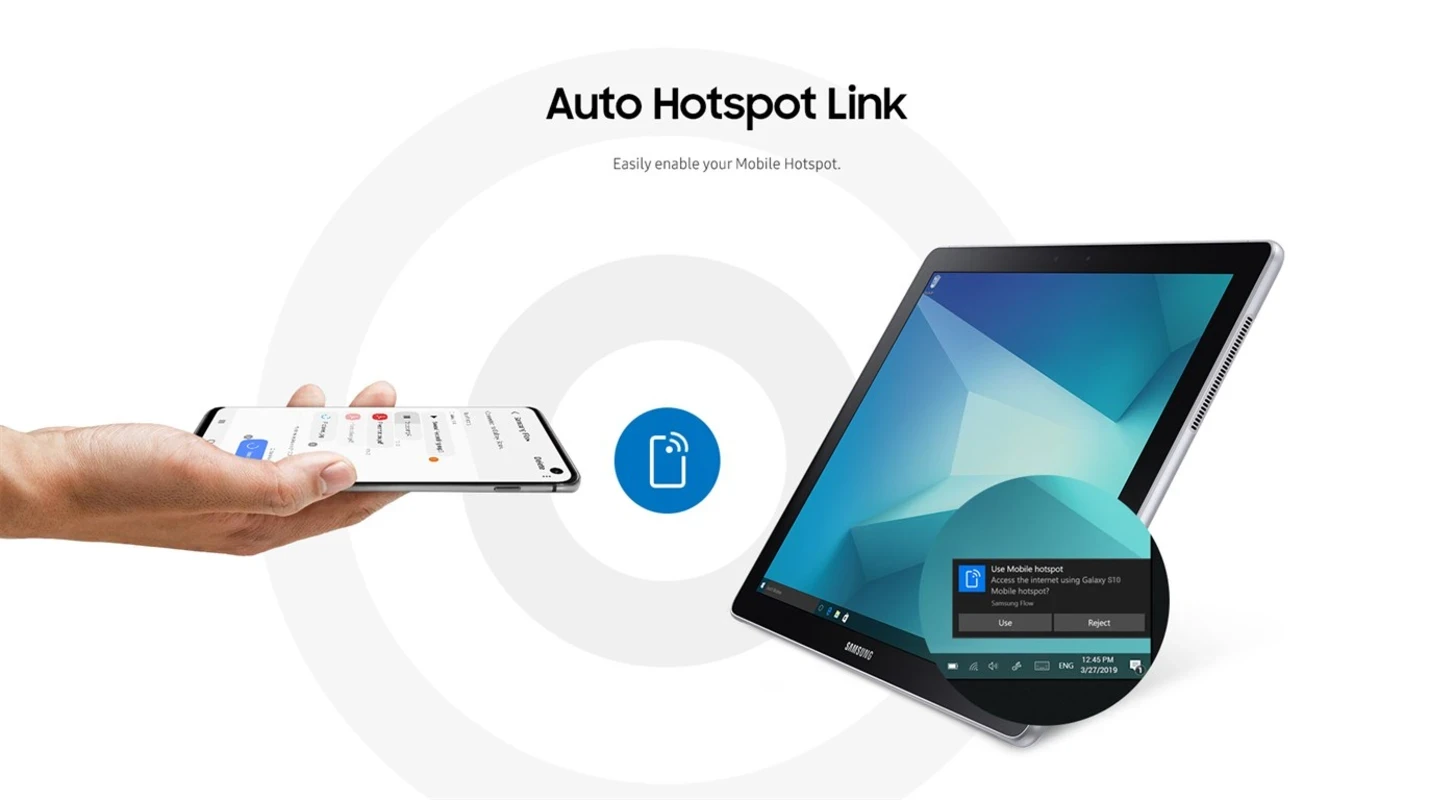
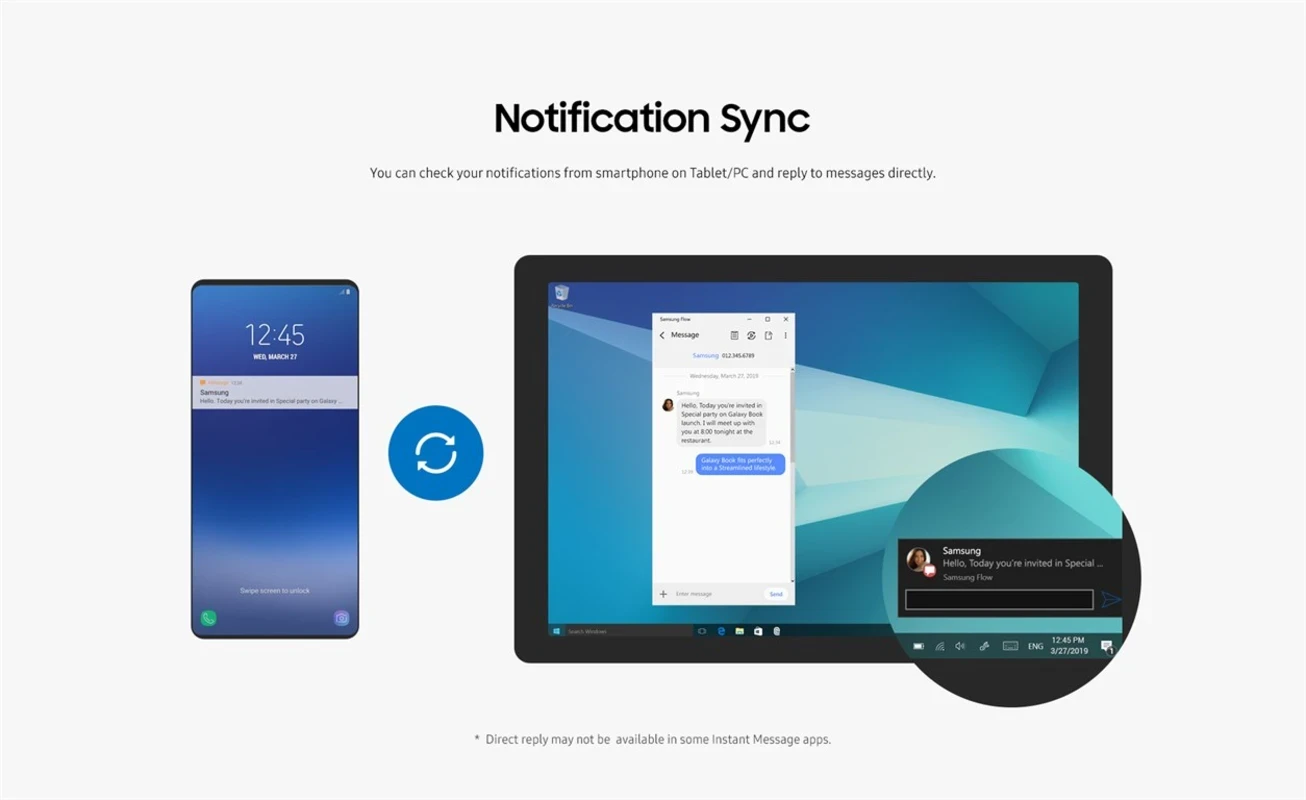
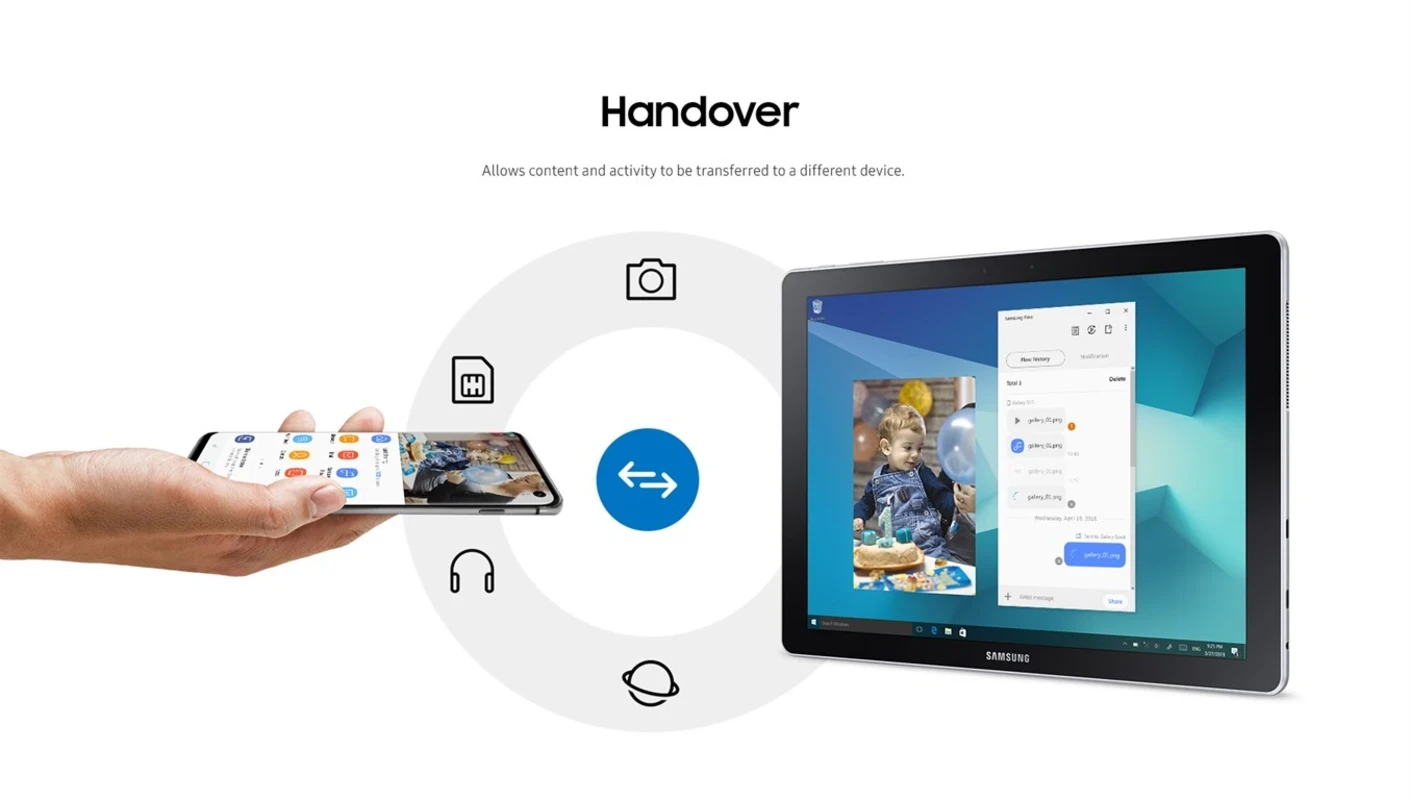
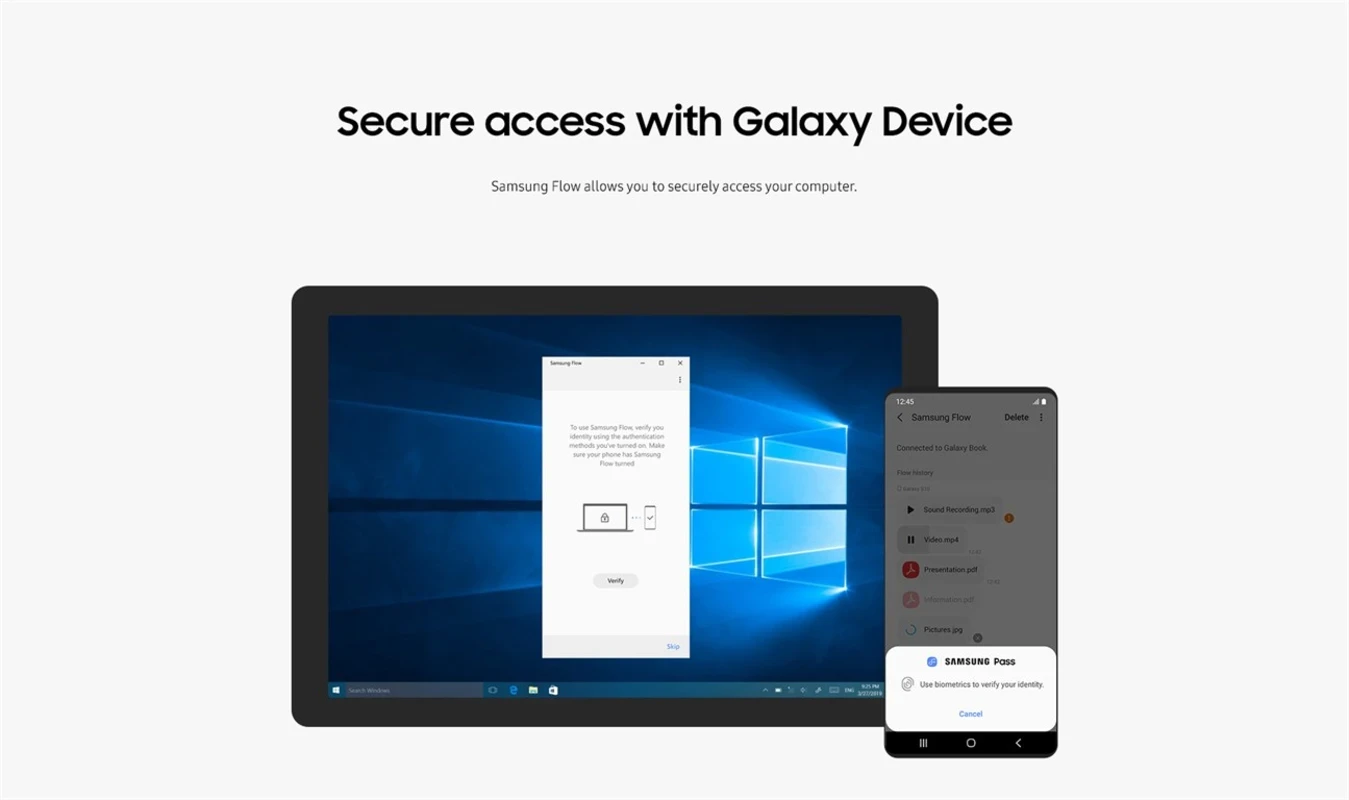
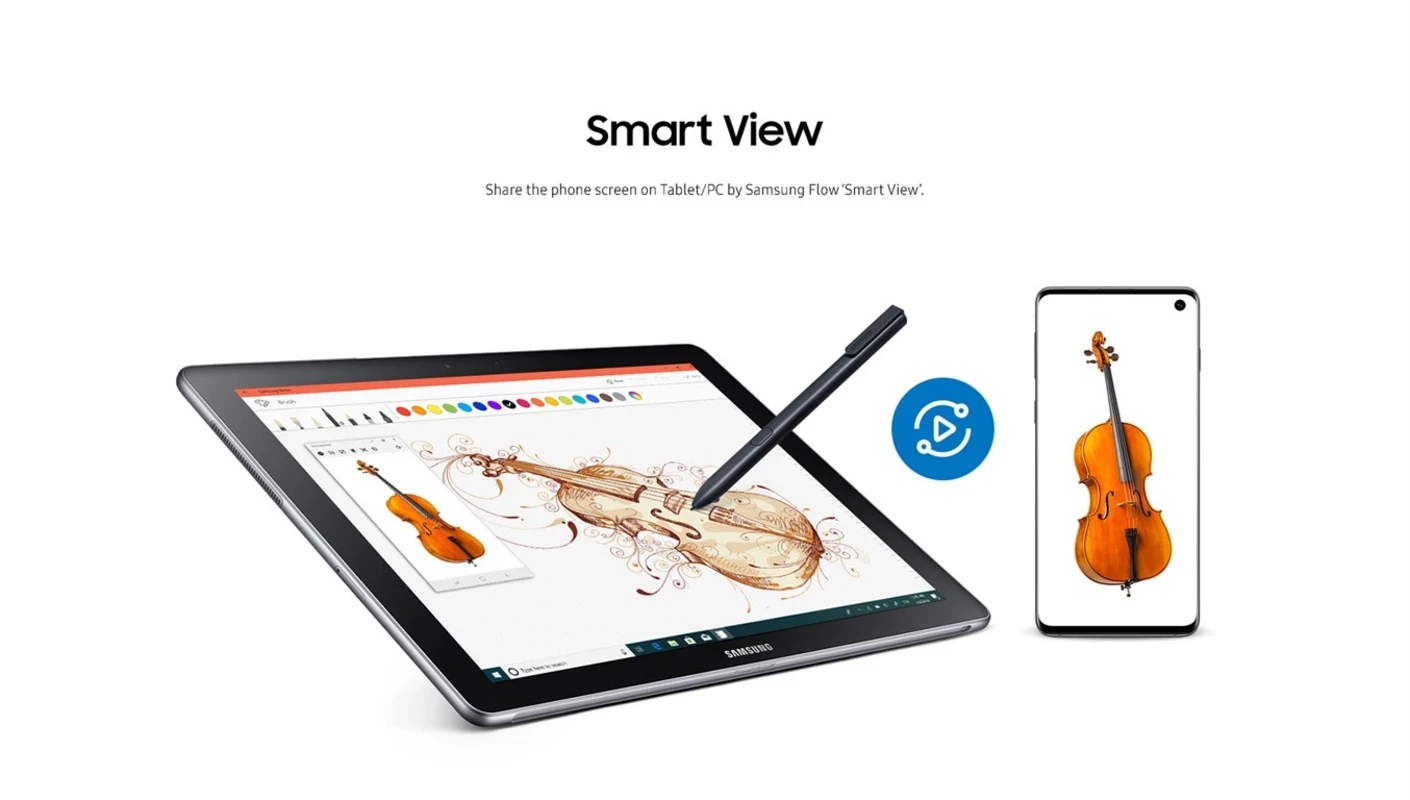
Samsung Flow 4.9.1902.0 is a free Samsung app for Windows that connects your PC with a Galaxy phone or tablet. After you download Samsung Flow on both devices and pair them, you can send files, see phone notifications on the computer and view the phone screen on the PC.
It is Samsung's bridge between Galaxy devices and Windows. Once the phone and the PC are paired over Bluetooth and Wi-Fi, the Flow window on the computer works as a shared space: drag a photo or document into it and it appears on the phone, or send something from the phone's share menu to the PC. Notifications from the phone show up on the desktop, and you can reply to messages from the keyboard. Smart View mirrors the phone screen in a window, so you can use apps with the mouse or show something on a big monitor. Flow can also share the phone's mobile hotspot with the PC and, on supported setups, confirm sign-ins with your phone. Samsung's newsroom article describes an update that brought this synchronisation to more users. For people who already live in the Galaxy ecosystem, Flow saves a lot of cable plugging and emailing files to themselves.
Samsung's Samsung Flow page lists supported devices.
According to Samsung support, the PC needs Windows 10 Home or Windows 10 Pro and at least 4GB RAM, plus Bluetooth or a network connection to pair with the phone. On the mobile side, you need a compatible Galaxy smartphone or tablet. The Windows package is about 140.18 MB according to catalogue data.
Samsung Flow is Samsung's own app, and pairing requires confirmation on both devices. Install it only from Microsoft Store and official Samsung or Google stores. Unpair devices you no longer use, especially a PC you sold or gave away.
No. Samsung Flow is free for Galaxy owners.
For wireless file transfers with other Android phones, Quick Share and SHAREit are on our site. iMyFone MirrorTo mirrors and controls phones of many brands on a PC, and Samsung Smart Switch handles backups and moving data to a new Galaxy.
Google Play is Google's digital distribution platform. On Windows, Google offers Play content through the browser and Google Play Games on PC.

Media Creation Tool is a free Microsoft utility that downloads Windows and turns it into a bootable USB flash drive or an ISO file.

LDPlayer is an Android emulator for Windows that runs mobile apps and games on a computer.

BlueStacks is an Android emulator for Windows that lets you run Android apps and games on your PC.
Rufus is a free Windows utility that turns a USB stick into a bootable installer. The current version is 4.15.

PC App Store is a free software store for Windows from Baidu for finding, installing and updating PC programs. This page covers version 5.0.1.8682.

Uptodown App Store for Windows is the desktop client of Uptodown, a marketplace for desktop software and mobile apps. This page covers version 1.0.3.
NoxPlayer is a free Android emulator from Bignox for Windows and macOS that runs mobile games and apps on a computer with keyboard and mouse control.